
Reading PA Traffic Court Records
Reading is the county seat of Berks County and one of the larger cities in southeastern Pennsylvania. Traffic violations issued within Reading are handled by Berks County Magisterial District Courts. Drivers who receive citations in Reading have 10 days to respond before late fees apply. This guide covers how to search Reading traffic ticket records, what those records include, and the steps for paying or contesting a citation through Berks County's court system.
Reading Quick Facts
Berks County Courts and Reading Traffic Cases
Reading traffic violations are adjudicated through the Berks County Magisterial District Court system. These local courts handle summary traffic offenses as the first point of contact in the judicial process. A Magisterial District Judge assigned to the district covering your stop will preside over any hearing you request. Appeals from MDJ decisions go to the Berks County Court of Common Pleas, which sits in Reading as the county seat.
The Berks County government portal provides detailed information about court operations, including traffic case procedures and contact information for each Magisterial District. If you are unsure which district handles your citation, the court listed on your ticket is the right starting point. Berks County covers a large geographic area, so different districts serve different parts of the Reading metro region.
Reading police work with Berks County courts to process traffic stops efficiently. Citations are entered into the UJS system soon after they are issued. Drivers should check the portal within a few business days of receiving their ticket to confirm their citation record is active.
Note: Citations issued by Pennsylvania State Police in the Reading area may be assigned to a different Magisterial District than those issued by Reading city officers; always check the court name printed on your ticket.
Searching Reading Traffic Ticket Records Online
Reading traffic records are publicly available through the Pennsylvania UJS portal at no charge. Enter your name, citation number, or case docket number to retrieve your record. The portal returns case details including charges, the assigned court, scheduled hearing dates, and payment status. The PAeDocket app provides mobile access to the same data.
Searching by citation number is the fastest method. The number appears on the top portion of your ticket. Name searches may return multiple results, especially in a city the size of Reading. Narrow your results by filtering to Berks County Magisterial District Courts when using the name search option.
The UJS portal maintains current and historical Reading traffic records and is updated as cases move through the Berks County court system.
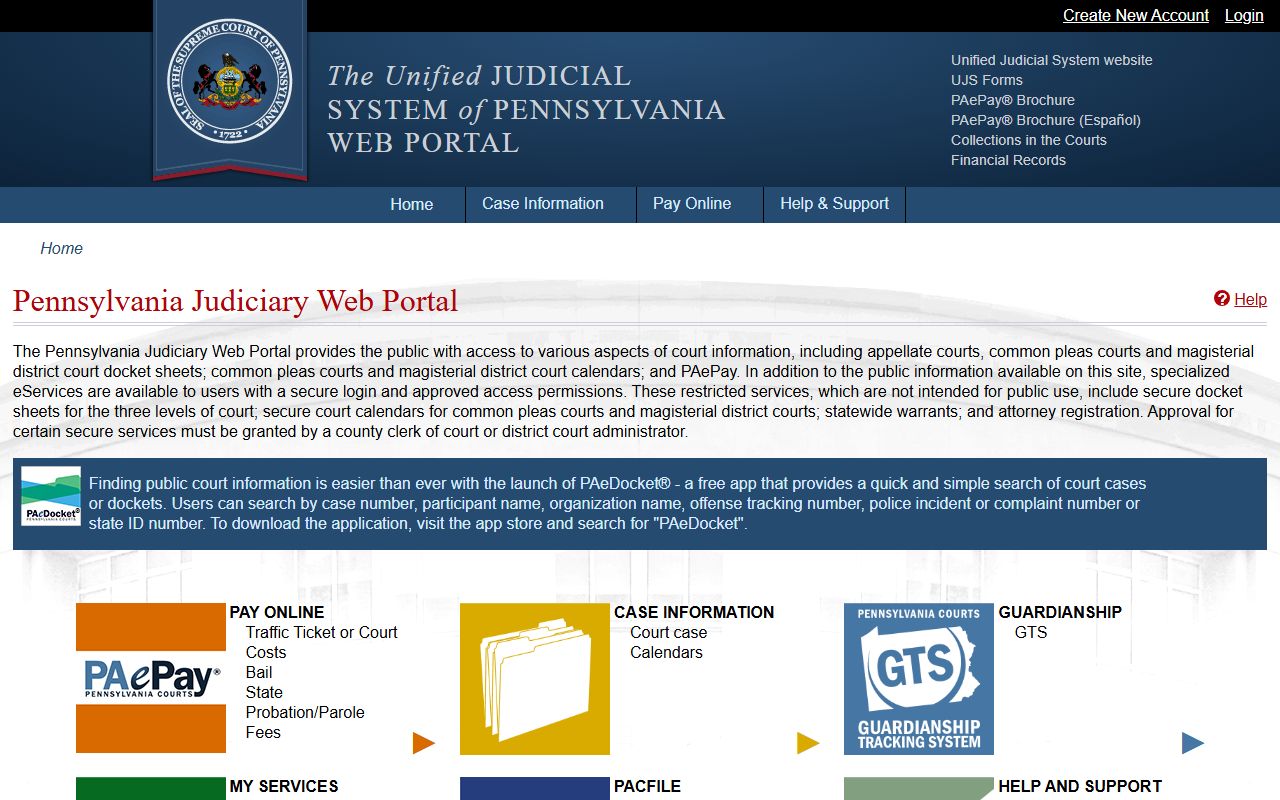
The UJS portal is the primary online tool for locating Reading traffic citations and reviewing their current status in the Berks County court system.
What Reading Traffic Court Records Contain
A Reading traffic court record in the UJS system includes the docket number, citation number, the driver's name and address, the vehicle information, the Pennsylvania Vehicle Code section violated, the date and location of the stop, and the officer's name and badge number. After the case is resolved, the record shows the disposition and the fine or penalty imposed.
Records also include the scheduled hearing date if a contest was filed, any continuances granted, and payment history once the fine is processed. Cases that result in a not-guilty verdict show a dismissal in the record, and no points are reported to PennDOT. Default judgments — entered when no response is made — are also visible and show the full fine plus any late charges.
Older Reading traffic records that predate the current UJS system may not be available online. For historical records, contact the Berks County Clerk of Courts in Reading to request copies of archived case files. A small fee may apply for copies of older records.
Paying or Contesting a Reading Traffic Ticket
Reading drivers have 10 days from the date the citation is served to respond. Paying online through PAePay is the most convenient option. In-person payments at the Magisterial District Court listed on your ticket are also accepted. Mail payments should include your citation number and a check or money order payable to the Commonwealth of Pennsylvania.
Contesting your ticket requires submitting a hearing request to the MDJ court within the 10-day window. At the hearing, you present your case and the issuing officer must appear. If the officer does not attend, the citation is dismissed in most cases. If you lose at the MDJ level, you have 30 days to file an appeal with the Berks County Court of Common Pleas.
A Common Pleas appeal involves a de novo hearing — the case starts fresh with no deference to the MDJ's earlier decision. This process requires filing a formal appeal notice and paying the applicable court fees. Legal representation is not required for traffic appeals but may be helpful for more complex cases.
The Berks County official government portal covers all county services, including court information and contact details for Magisterial District Courts handling Reading traffic cases.
Berks County provides comprehensive court services for Reading residents, including traffic citation processing through its network of Magisterial District Courts.
Pennsylvania Point System for Reading Drivers
Reading traffic convictions are reported to PennDOT and assessed points under Pennsylvania's point system. The number of points added depends on the specific Vehicle Code section violated. Speeding 6 to 10 mph over the limit carries 2 points. Driving through a red light adds 3 points. More serious violations, like reckless driving, add 6 points to your record.
Six accumulated points require a written exam from PennDOT. Failing that exam or reaching 11 total points results in a mandatory license suspension. The suspension minimum is 5 days per point above 10. Accumulating too many points in a short time can result in progressively longer suspensions on each new violation.
Points decrease over time. Twelve months without a violation or suspension removes 3 points from your record. A PennDOT-approved driver improvement course also reduces your total. Reading drivers who have received multiple recent citations should check their current point total by requesting a driving record from PennDOT.
Note: Each ticket counts as a separate conviction with its own point value; multiple violations from one stop can combine to push your total well above safe thresholds quickly.
PennDOT Driving Records for Reading Residents
Reading residents can get their Pennsylvania driving record from PennDOT Driver License Services. Request using Form DL-503. Standard records cost $5 and certified copies cost $10. Mail requests to PennDOT BDL, P.O. Box 69003, Harrisburg, PA 17106-9003. Online requests are available through the PennDOT website.
Your driving record shows all traffic convictions, current point totals, and any suspensions. Dismissed charges and not-guilty verdicts do not appear. Courts, insurance companies, and government agencies may request this record with your authorization. Checking your record periodically helps you stay aware of your point total and any actions PennDOT may have taken on your license.
<Reading County Resources
Reading traffic cases are managed through Berks County's Magisterial District Courts, with appeals handled by the Berks County Court of Common Pleas.